Twilio Auto Dialer for SuiteCRM


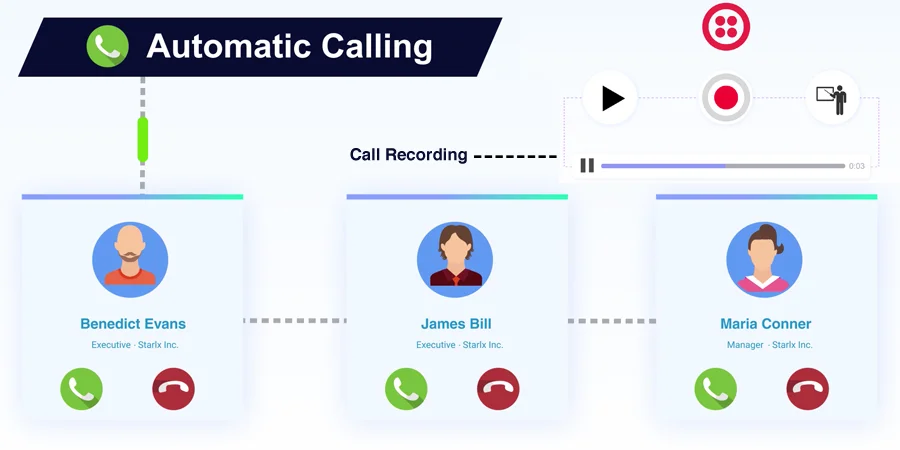
SuiteCRM/SugarCRM Twilio Auto Dialer provides the “Click to Call” functionality to the CRM users plus admin can manage the multiples phone number. This product allows you to auto-generate Calls and automatically calling them while starting from the listview. This extension works as a perfect power dialer which automatically jumping to the next record from detail View and calling automatically.
As a result, your team is going to save a lot of time while navigating records and finding a number to call. This product did this job automatically for users. Users can put the call on hold and also set the delay time between 2 Twilio Auto Dialer calls.
It also comes with a unique feature which enables the user to automatically dial another contact as soon as the Twilio call has been disconnected. Which gives users an added advantage to communicate with a prospect without any unnecessary delay or disturbance. Which eventually results in increasing productivity and benefits the business in the long run.
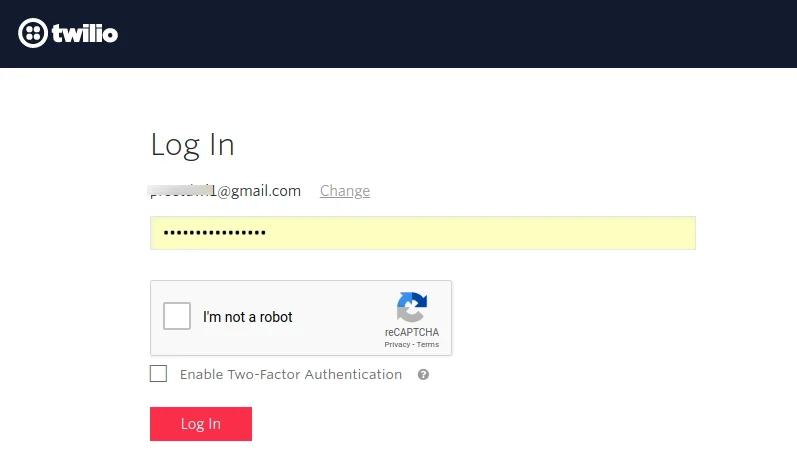
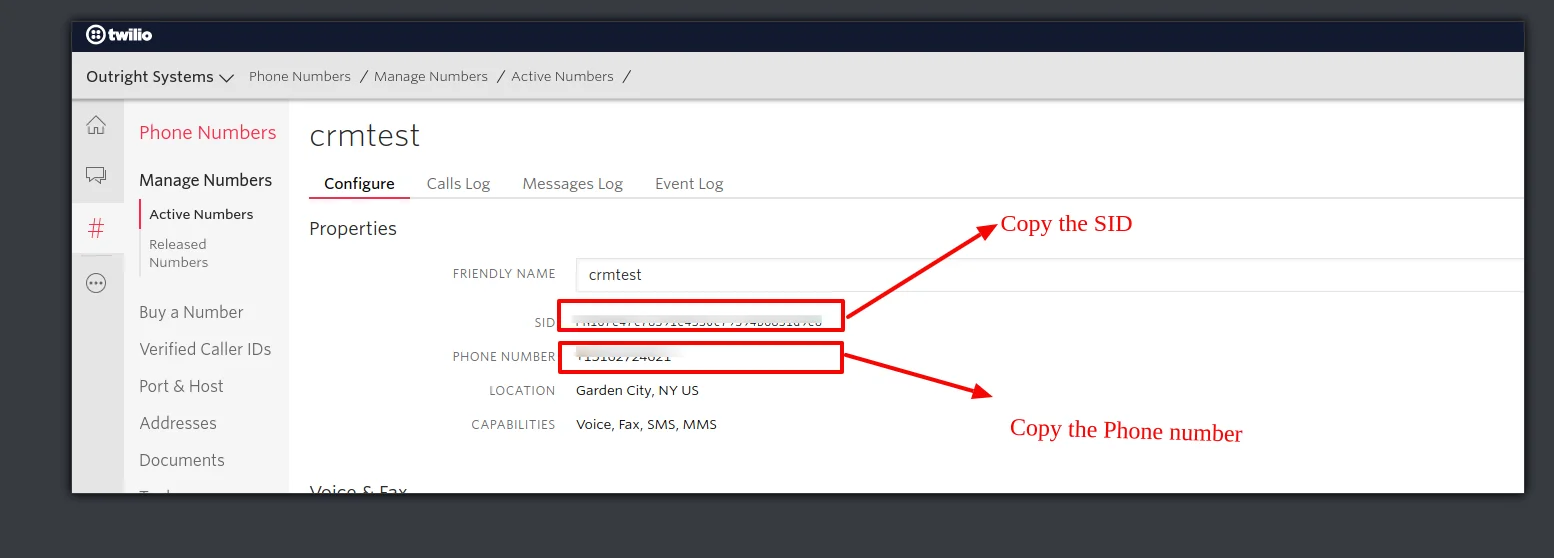
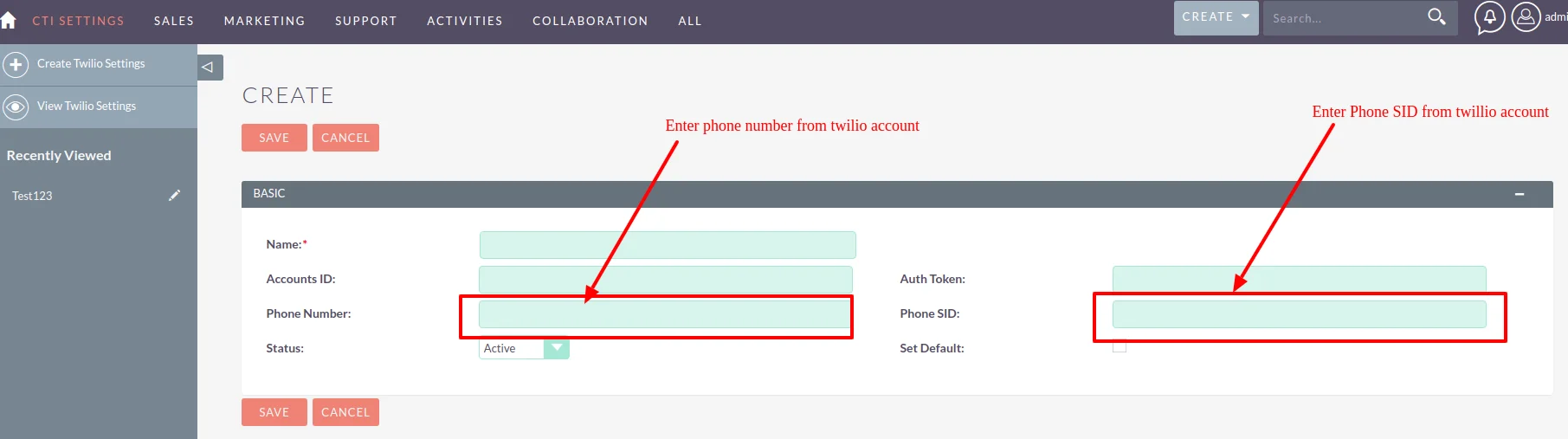
Log in to http://www.twilio.com using your Twilio Account or kindly sign-up if you don’t have.
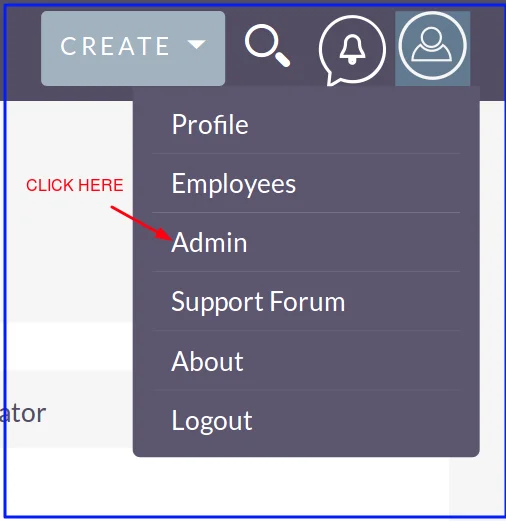
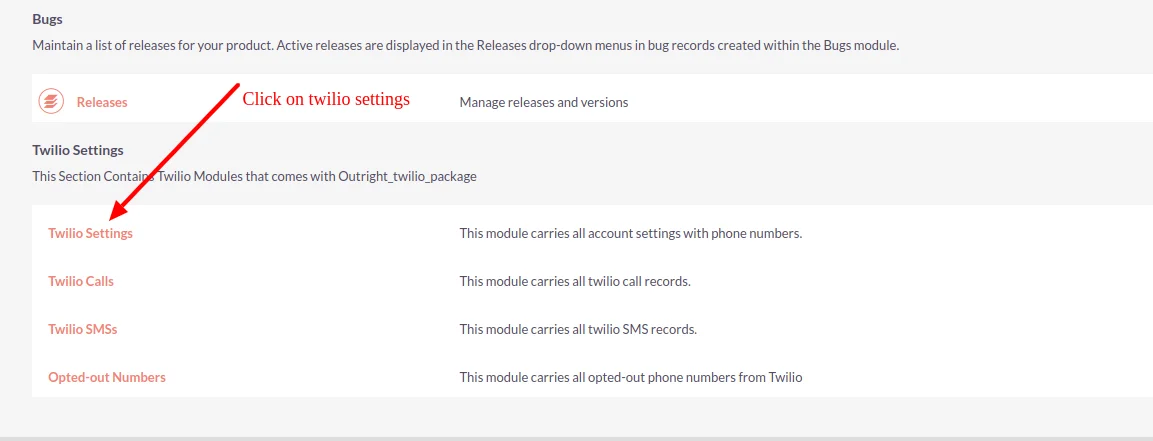
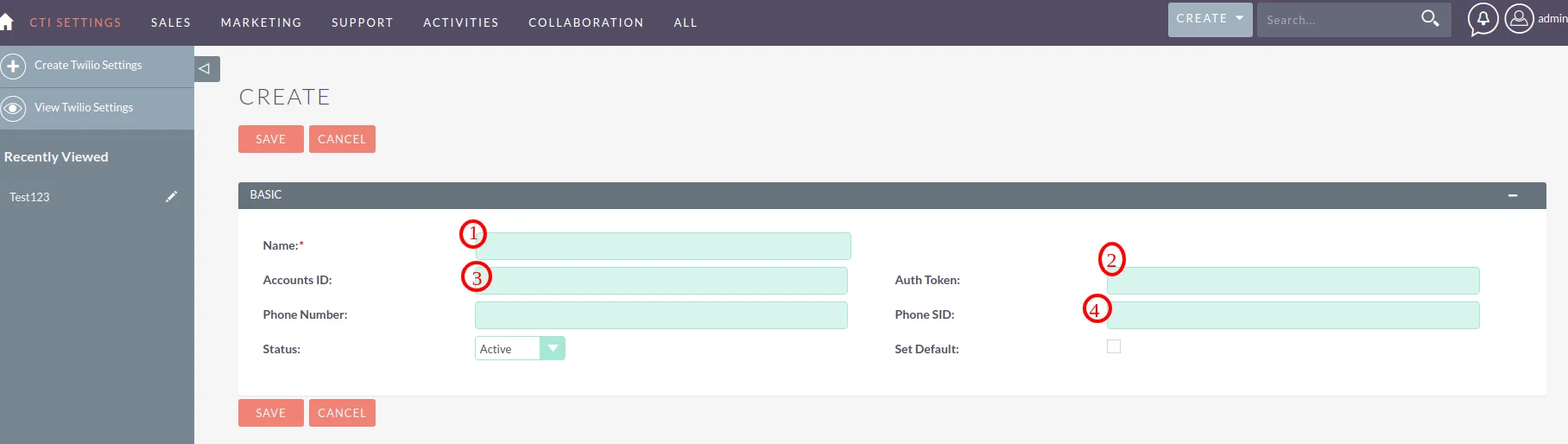
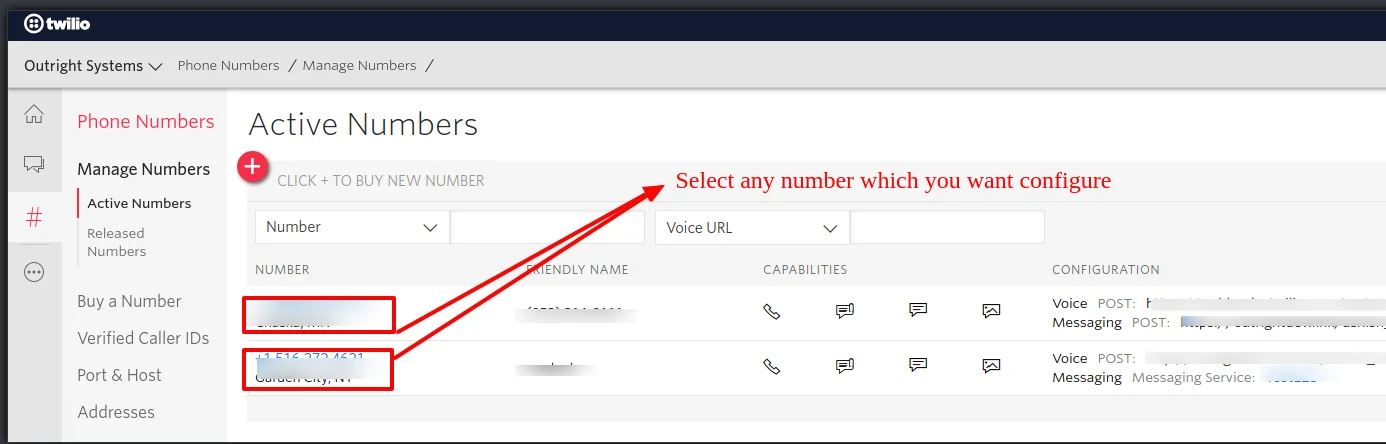
We have to buy a number for further process, steps are below mentioned.
Check out these related extensions
Discover what makes this product stand out
No features information available.
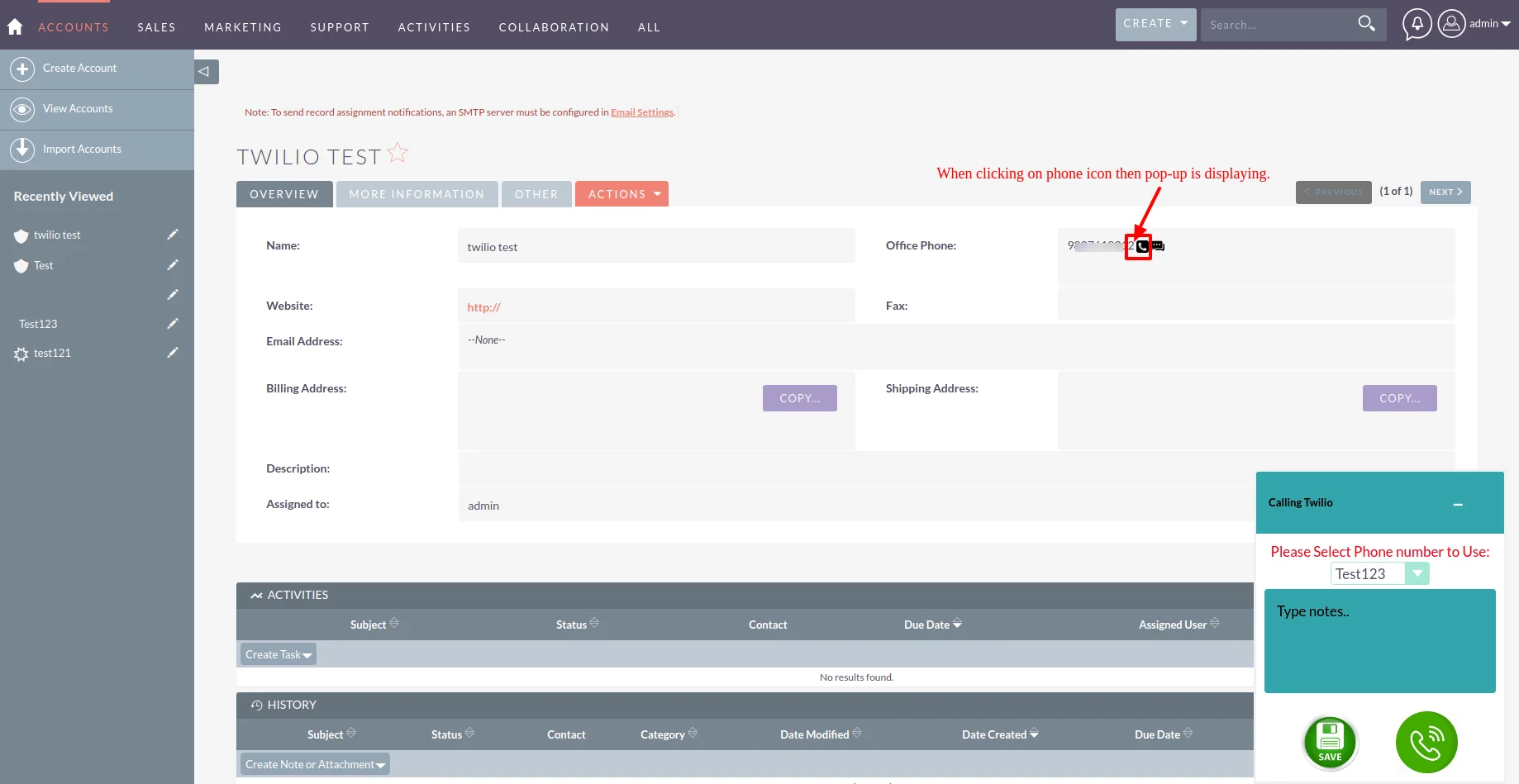
See the product in action through screenshots
See what our customers are saying
You must be logged in to leave a review.

Customer
Nice software and great team that want to build the best product for your needs.
Customer
I was doing manual call to crm contacts and managing an excel sheet for their comments and call status but this plugin made my life easier, now I can make call from CRM and wirte notes during the call and also can get the call recordings. Great Integration!!!!
Watch our product in action
This advanced communication platform SuiteCRM Twilio Auto Dialer has great features like to always keep the conversation safe. Furthermore, it can manage multiple phones at a single time only.Big deal!
Contact , Accounts , Leads , Targets, Must work with all 4.
Before going dig deeper into Auto Dialer extension installation, you should be aware of some points before installing. Outright Store has shared some steps where you need to bear in mind when going to use Twilio Auto Dialer.
This plugin is very useful for some of the industries like Call center, Banking, Sales and Marketing, etc. Why? It is easy to manage multiple phones at a single time, so overall it saves your high efforts.
You all understand communication is so essential these days. If you manage the communication then you can manage your business. Twilio Auto Dialer can assist you to raise up the communication level and give much better features.
If you are coming from ListView , it will auto dial to next Number. And If you are at Detail View, it will only work for same Number as it don't have a next number from List view.
It’s easy to manage the communication with customers when using the addon called Twilio Autodialer which can enhance user experience with better facilities like managing multiple phones, option of default number, etc.
Most of you would like to hear the previous conversation of their customer for their business activities. We are keen to share that in just one tap, you can record the conversation and hear that anytime.
Yes, this in Power dialer , not in Click to Call extension.
Yes, mostly with all versions. What version are you using?