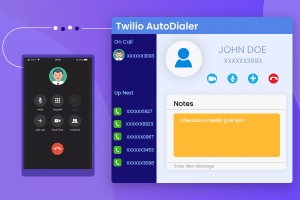
Twilio Click to Call for SuiteCRM

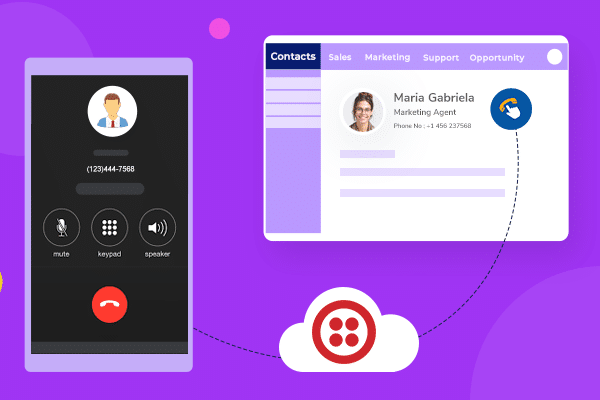

Saving your precious time is hard these days while communicating with customers but now this is going to solve as we want to introduce you to a new popular extension called “Click to Call”. This plugin is offered by Twilio Call. Well, a feature can’t be called the best when it does not offer any exceptional feature so keep your eyeballs below and get aware of how “Click to Call” is the best option.
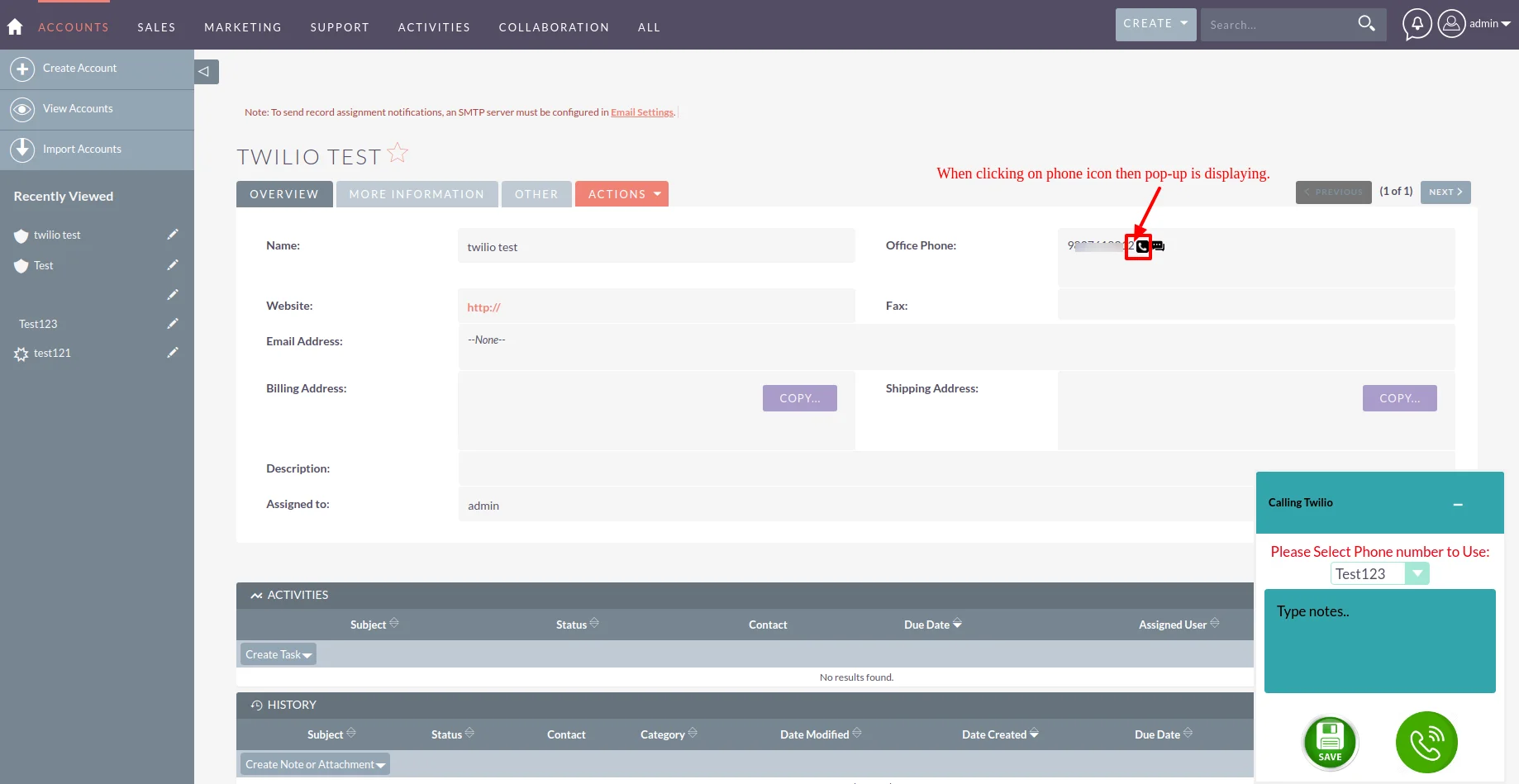
Suppose, someone wants to contact you so there is no such chance where you miss any call because when anyone calls you, pop up appear on your screen. Even some information about the caller appears on your screen which enables you to know who wants to contact you.
You can face the situation like you want to hear what your earlier customers said to you via call. Here the function of Click to Call is to show the recording where you can hear what they said. So you don’t need to show too much effort to call that person again, just hear your recordings which already get saved.
Check out these related extensions
Discover what makes this product stand out
No features information available.
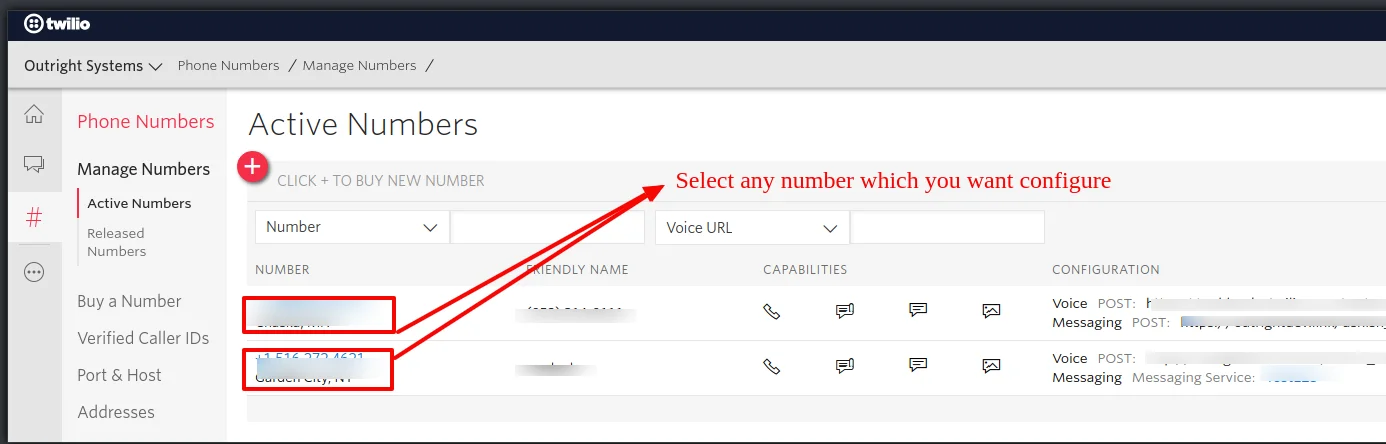
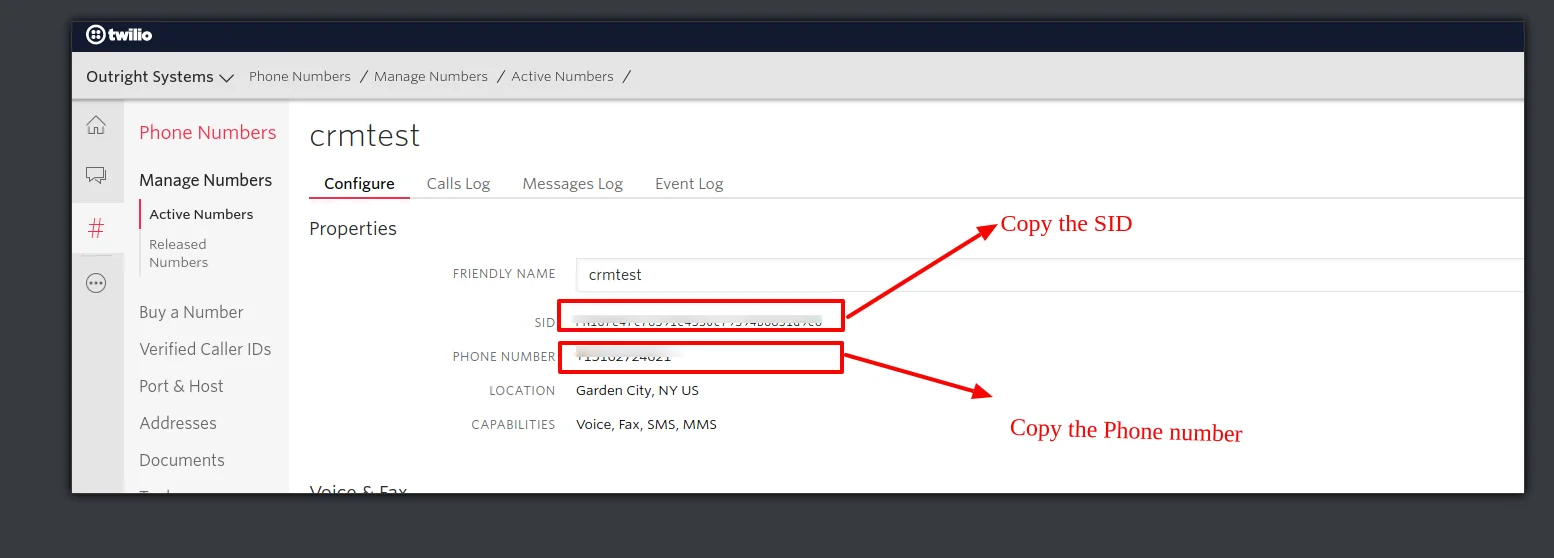
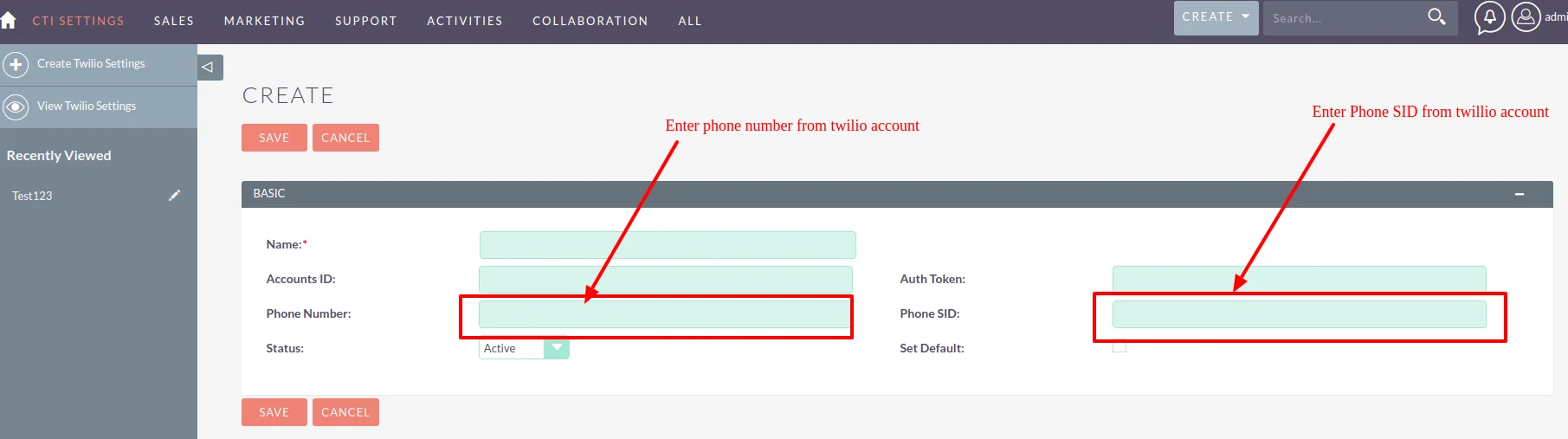
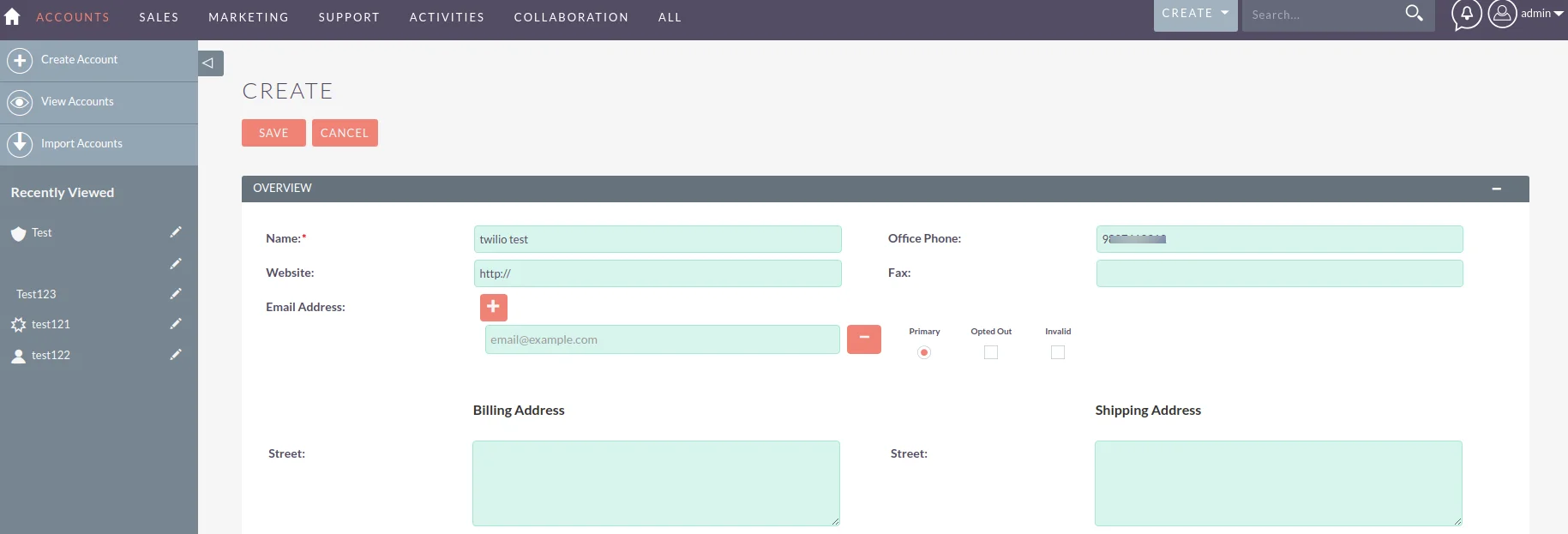
See the product in action through screenshots
See what our customers are saying
You must be logged in to leave a review.

Customer
Great plugin installed. Also, the staff are very helpful in terms of troubleshooting. Thank you so much!
Customer
Thank you for sharing such kind of plugins for us. This is very helpful one for saving our efforts towards communication with customers.
Watch our product in action
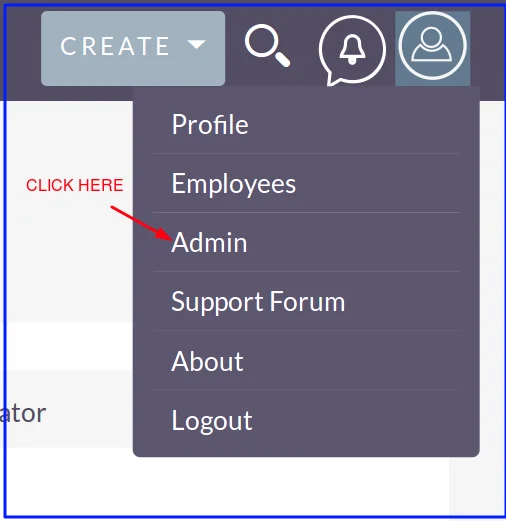
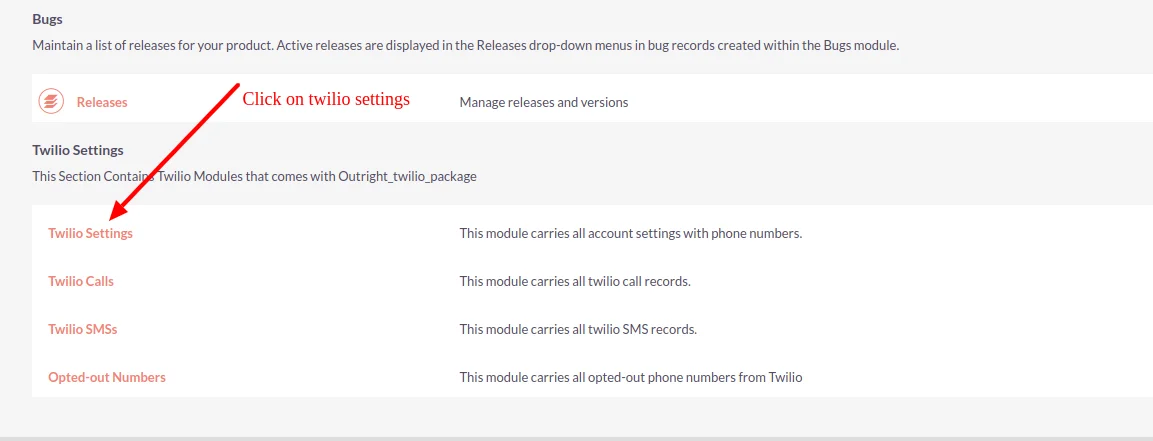
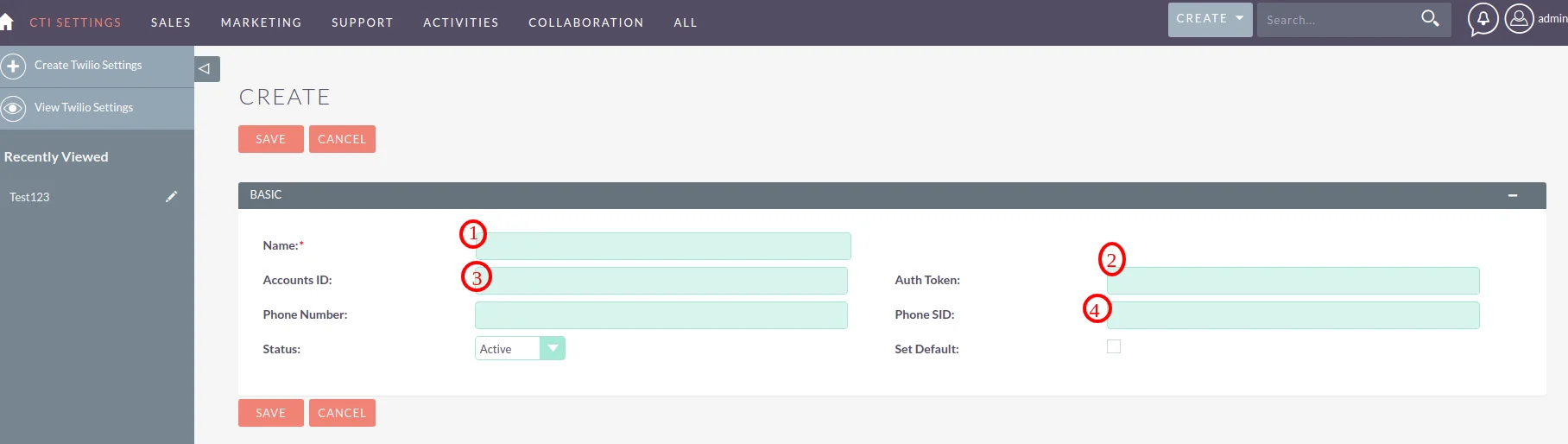
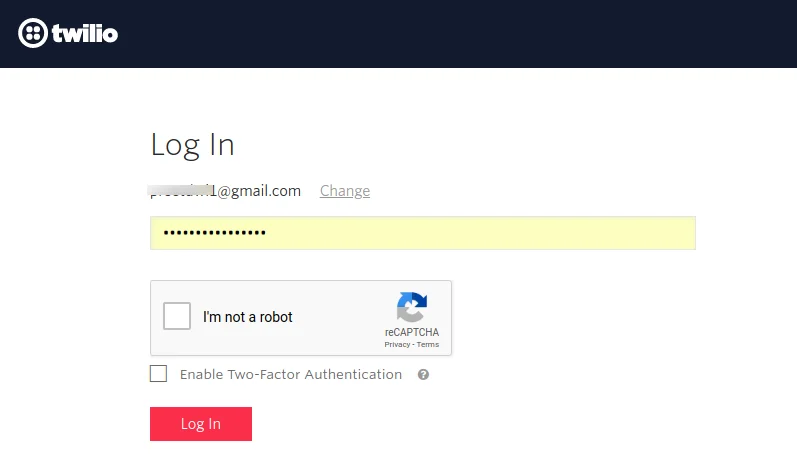
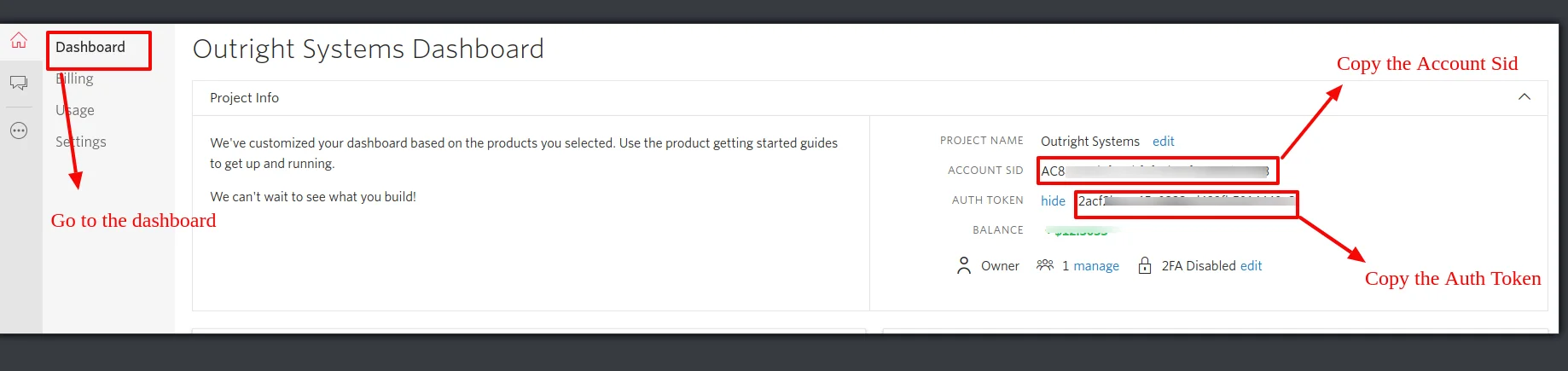
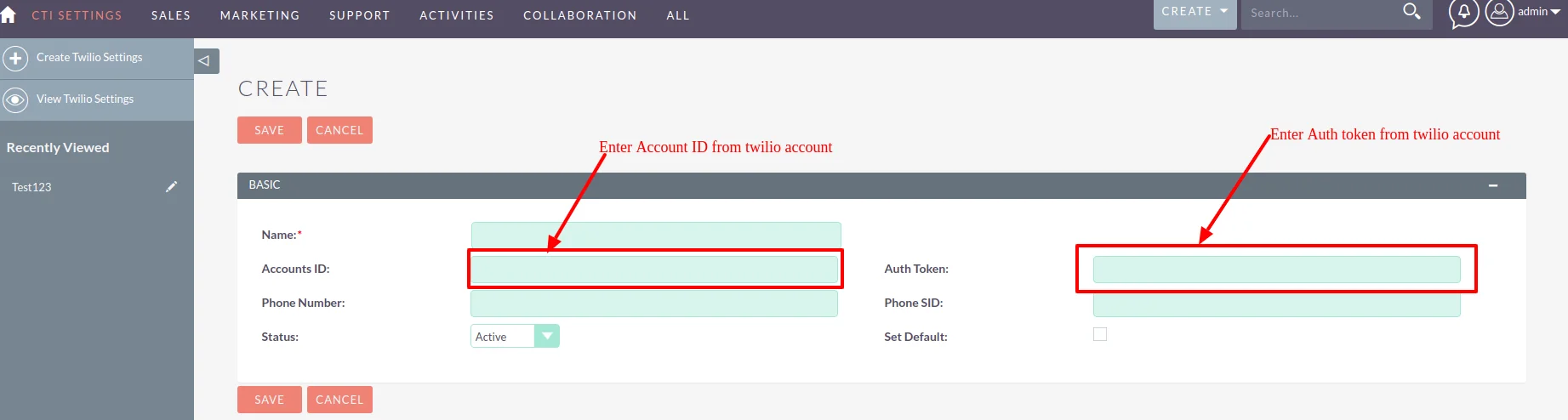
If interested to operate this plugin for your day to day business work, Outright Store has shared the initial steps and procedure of Click To Call that how it will work. The process is quite easy if follow the steps procedure in a sequence wise.
This plugin is different as compared with other communication tools as here in just one click you can get connected with the customer to whom you want to maintain communication. No need to write numbers and dial relentlessly.
If running a call center industry then click to call is of the best and vigorous extension as it can save your precious time and your high efforts. Just one tap and you will get connected with that person. You can also save your conversations.
To Log a call in SuiteCRM, there are three steps that you need to follow as we can explain to you what to follow first then next and so on. Moreover, you also need to create three fields: New call notes, Last call notes and Last call date.
It is quite obvious that a hardware is required to integrate click to call. For this, there is a requirement of a separate machine with Asterisk installed. After that, there is also a need for PBX.