SuiteCRM Email to Lead or Anything

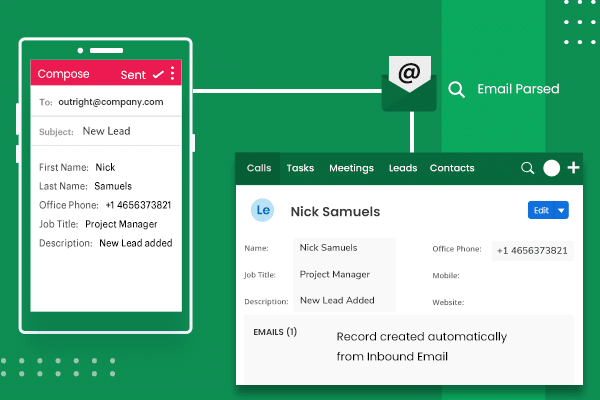
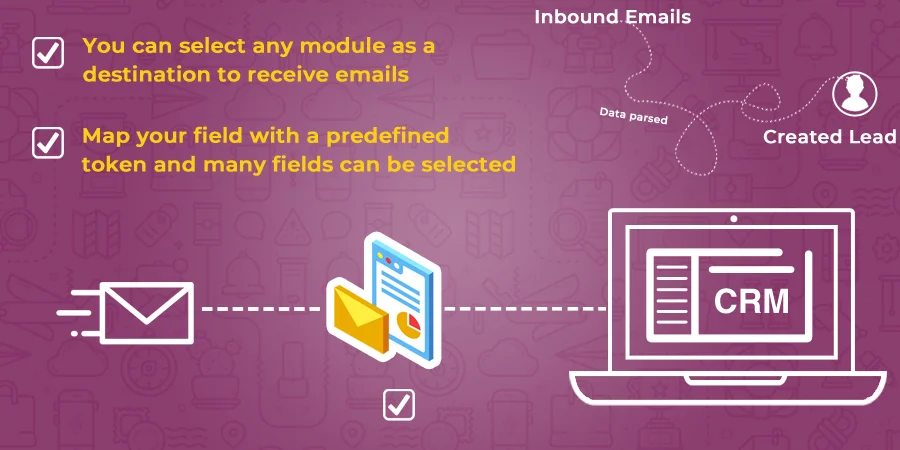
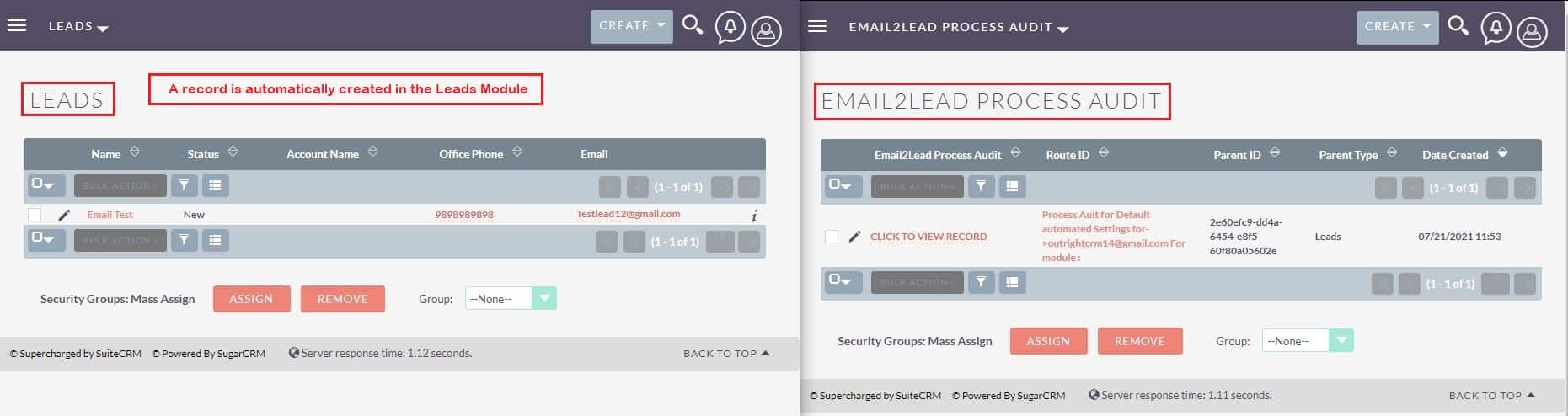
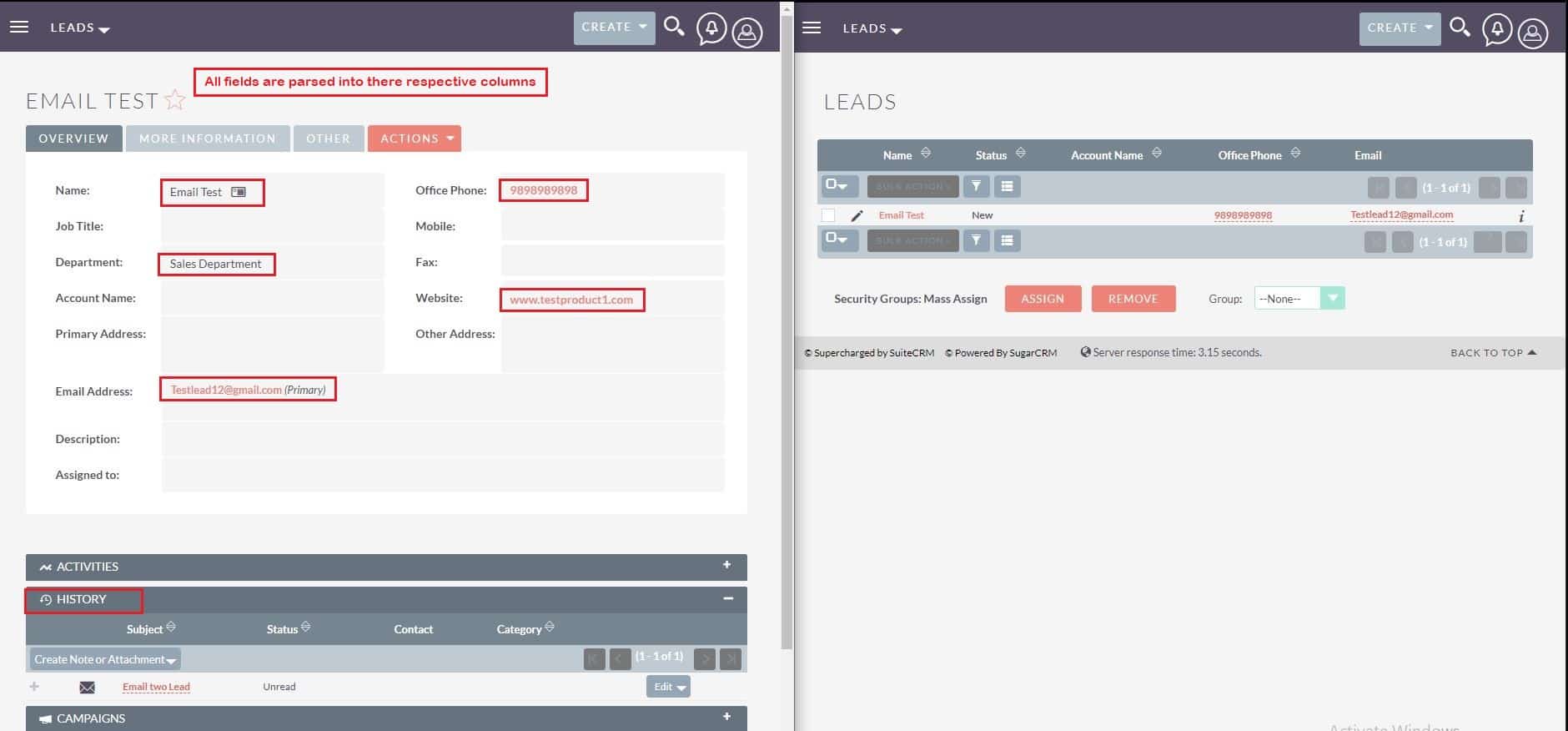
Generating leads more rapidly with the help of the email process we want to introduce to you a powerful extension called SuiteCRM Email to Lead. The extension is very helpful to automatically create records from incoming emails. In short, it can parse information from emails more quickly for you.
The best feature of this “Data parsing from Email” extension is creating records in multiple modules. Your expectation of running your business in a positive way and increasing productivity is possible if you use the Email to Lead or Anything plugin in your business.
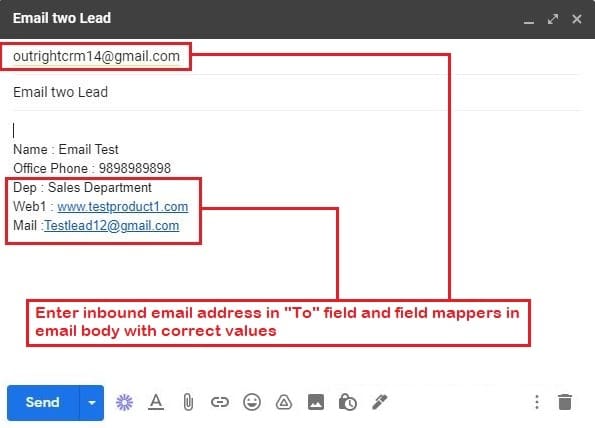
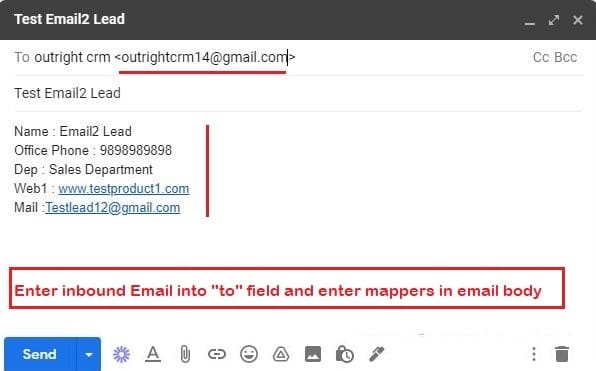
For Example: You are running your business for a long period of time, so we are sure that you receive humongous emails daily. Sending emails one by one to your team or even arranging them in a proper format can take a lot of time. You can use the Email2Lead plugin for this, which saves your time and effort. It parse data from email body promptly. Moreover, generating leads and assigning tasks is possible here.
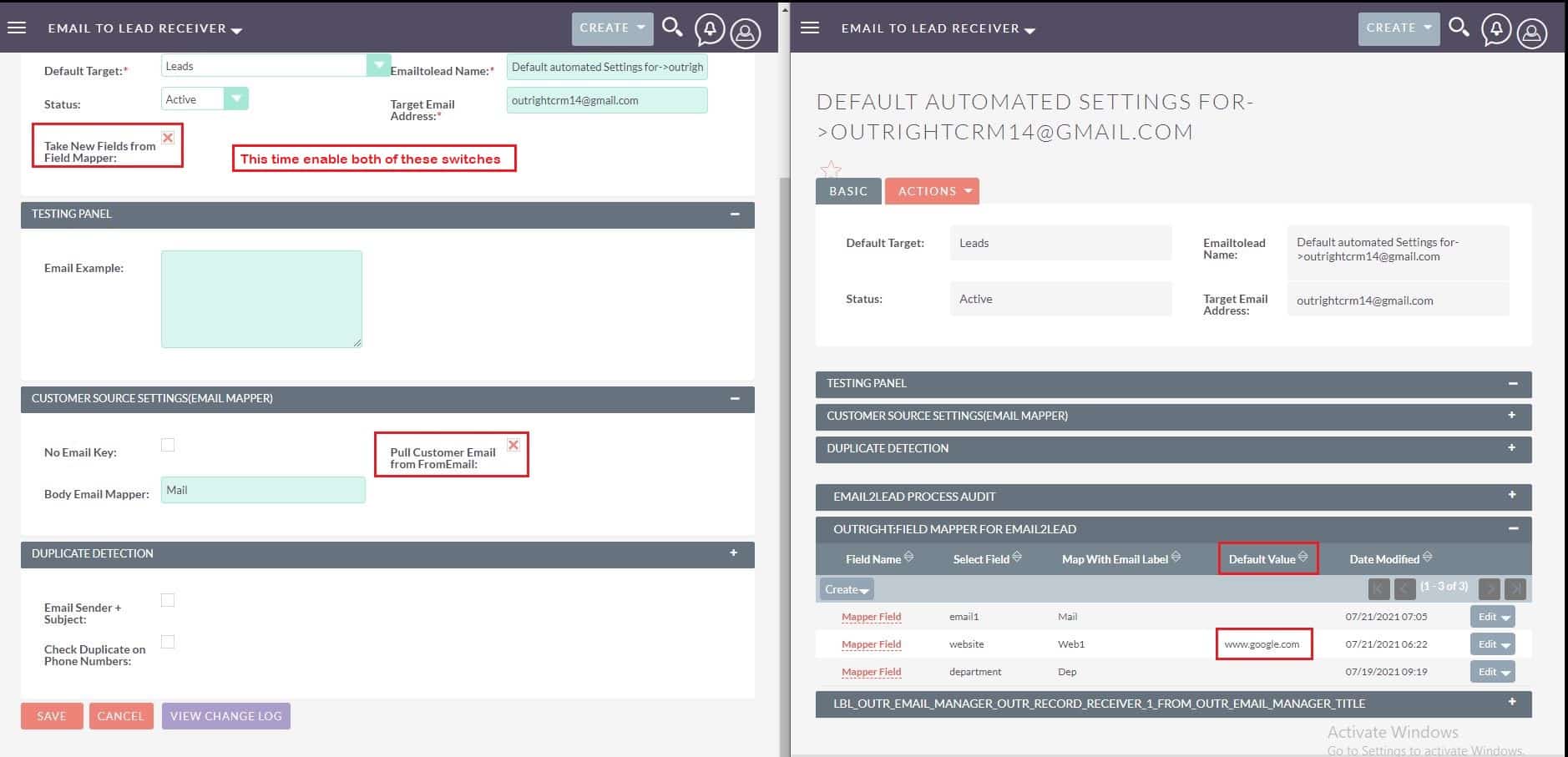
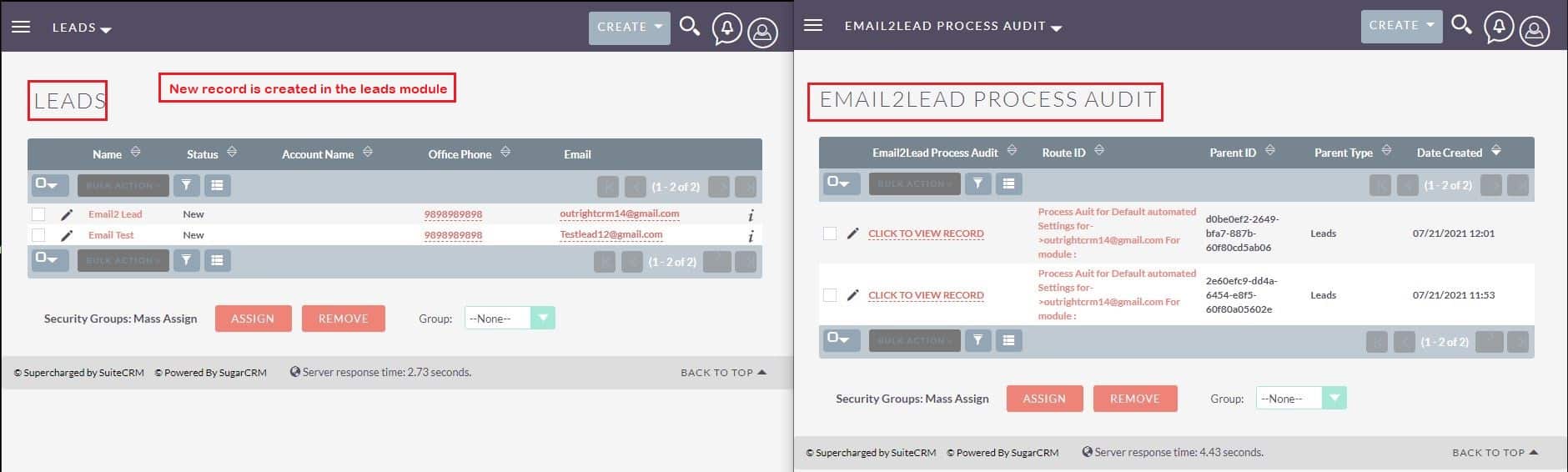
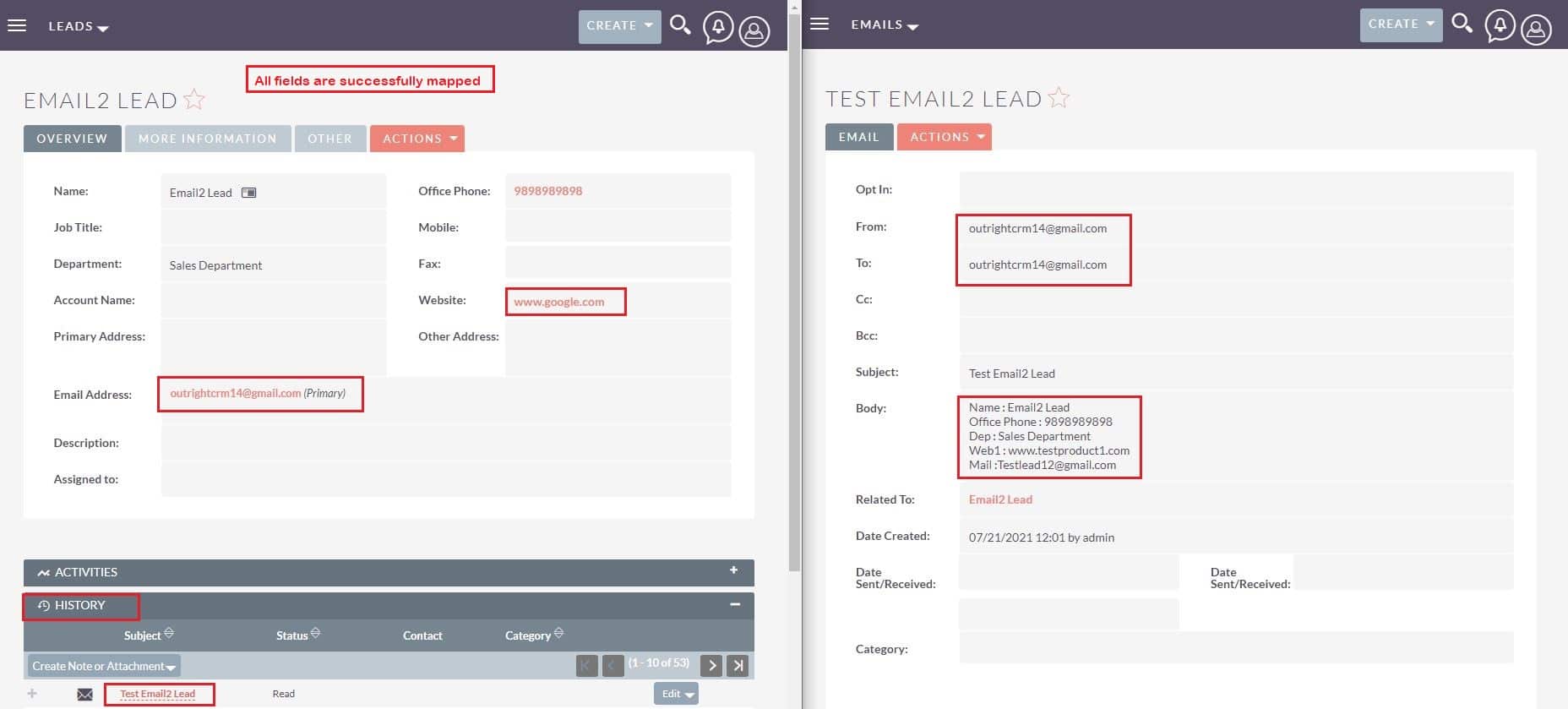
This extension works on a schedule-based service that runs on “As soon as possible” mode. It means whenever a new email hits on your INBOX it immediately grabs this email, fetches its sender, subject, and body, and parses data from the email body with its best possible combinations of fetching rules and configured mappers. After getting all the data, it passes to the targeted module and duplicates checks. And if it is a duplicate then it can update the record and attach a new email in history or simply create a record and attach it to history.
Conclusion: We have shared an extension that frees up your efforts to create records from web form too. We know that most businesses work via email. If you need an add-on that can extract the data fields from the email body, then the Email to Leads product is an exceptional choice. Well, creating cases in multiple modules is possible and more features are there than we shared above. Understand its features and how it will enhance your business.
For SuiteCRM Email to Lead Configuration: Click Here
Check out these related extensions
Discover what makes this product stand out
No features information available.
See the product in action through screenshots


See what our customers are saying
You must be logged in to leave a review.

Customer
Awesome solution. I was surprised for bringing it to our customer SuiteCRM istance. It gave him a trading leverage and consistent advantage against competitors. Our customer and i were relly satisfacted about SuiteCRM Email to Lead and about the level of assistance OutRight CRM gave us.
Customer
Nice Effort Man
Customer
I am just trying and I will let you know my experience
Watch our product in action
The SuiteCRM Email to the Lead plugin is compatible with all SuiteCRM modules and can also create records in them. You just need to select the targeted module in the configuration panel.
After clicking on the Validate now button, you will be required to reload the page. Otherwise, the message “Please wait while we process your request” will keep showing on the screen.
Follow this video that shows you how to create: <a href="https://youtu.be/wLdjHwgwgZY" target="_blank">Click Here</a>
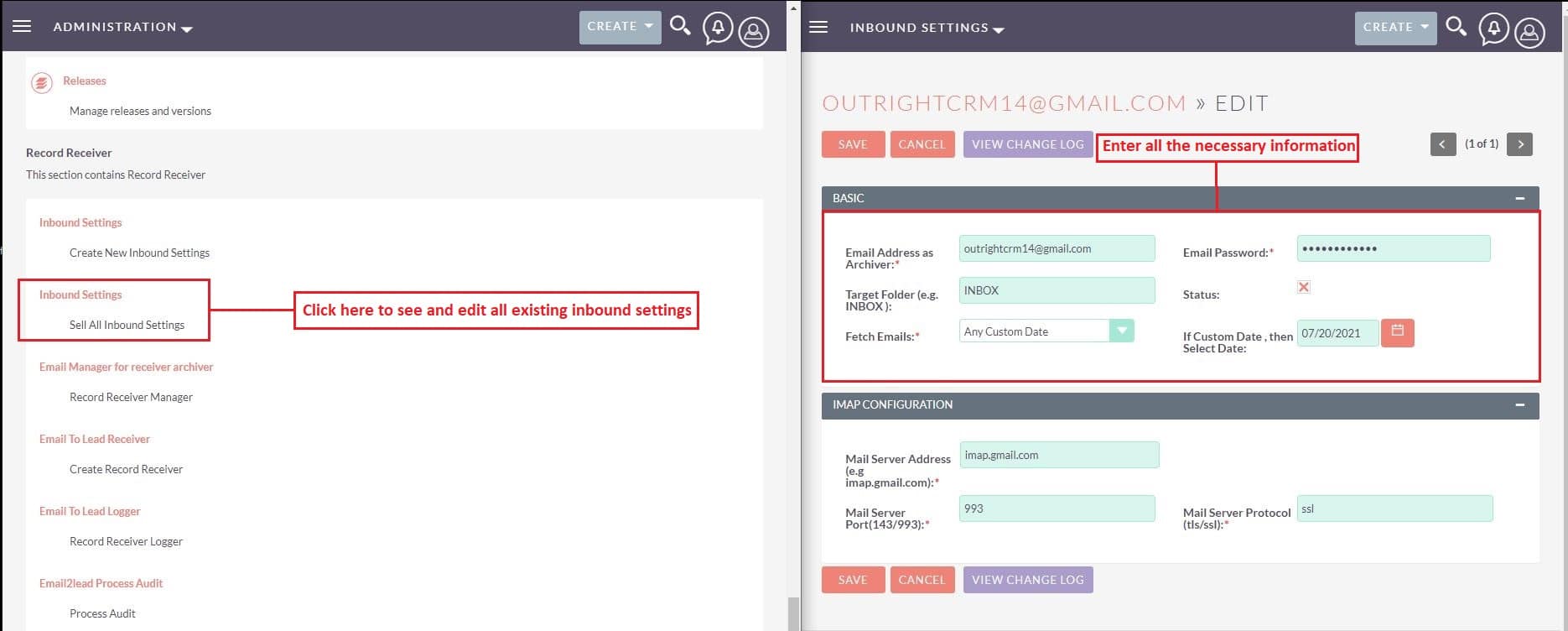
To fix this issue, you have to do 3 things. (1) You need to disable the 2-factor authentication for your email address. (2) You also need to allow access to the less secure apps. (3) Unlock the Google Captcha of your account. We have demonstrated all processes in this blog, you can check out here: <a href="https://www.outrightcrm.com/blog/gmail-imap-settings/" target="_blank">Email IMAP Settings</a>
You can use it for capturing leads from web forms, landing pages, integration with chatbots, Automated Data entry, etc.